Blog9 min
What alignment really costs: the hidden costs of misalignment
Creating strategic clarity takes up a huge share of leaders' time. And because it is only a snapshot, companies end up paying for it twice.
Read more
Creating strategic clarity takes up a huge share of leaders' time. And because it is only a snapshot, companies end up paying for it twice.
Read more
80% of marketing decision-makers want to do more in-house. Why classic strategy work is the next thing moving back into the company.
Read more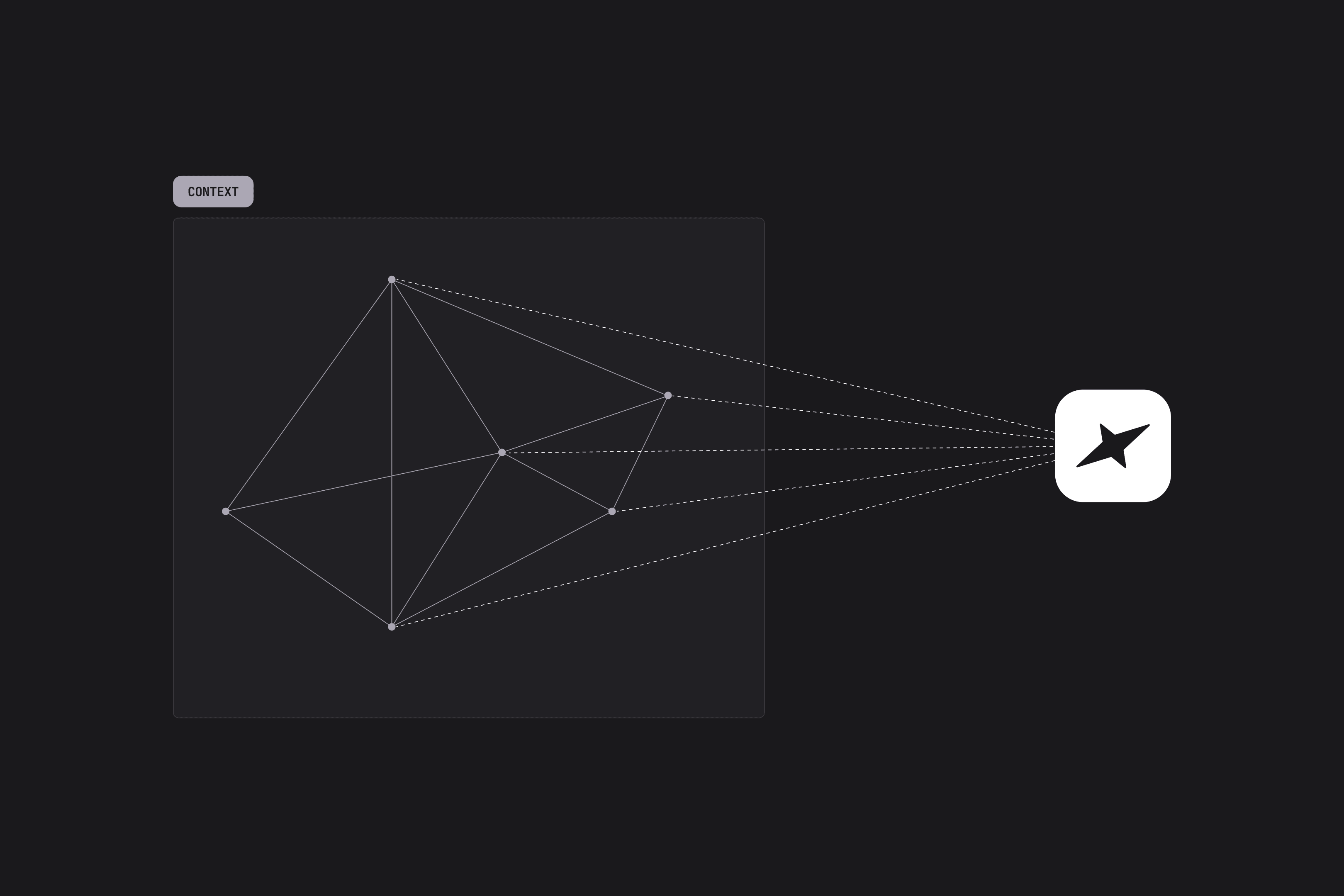
Why does AI in strategy work so often deliver generic answers? Because it lacks context. Here is what AI needs to add real value to your strategy.
Read more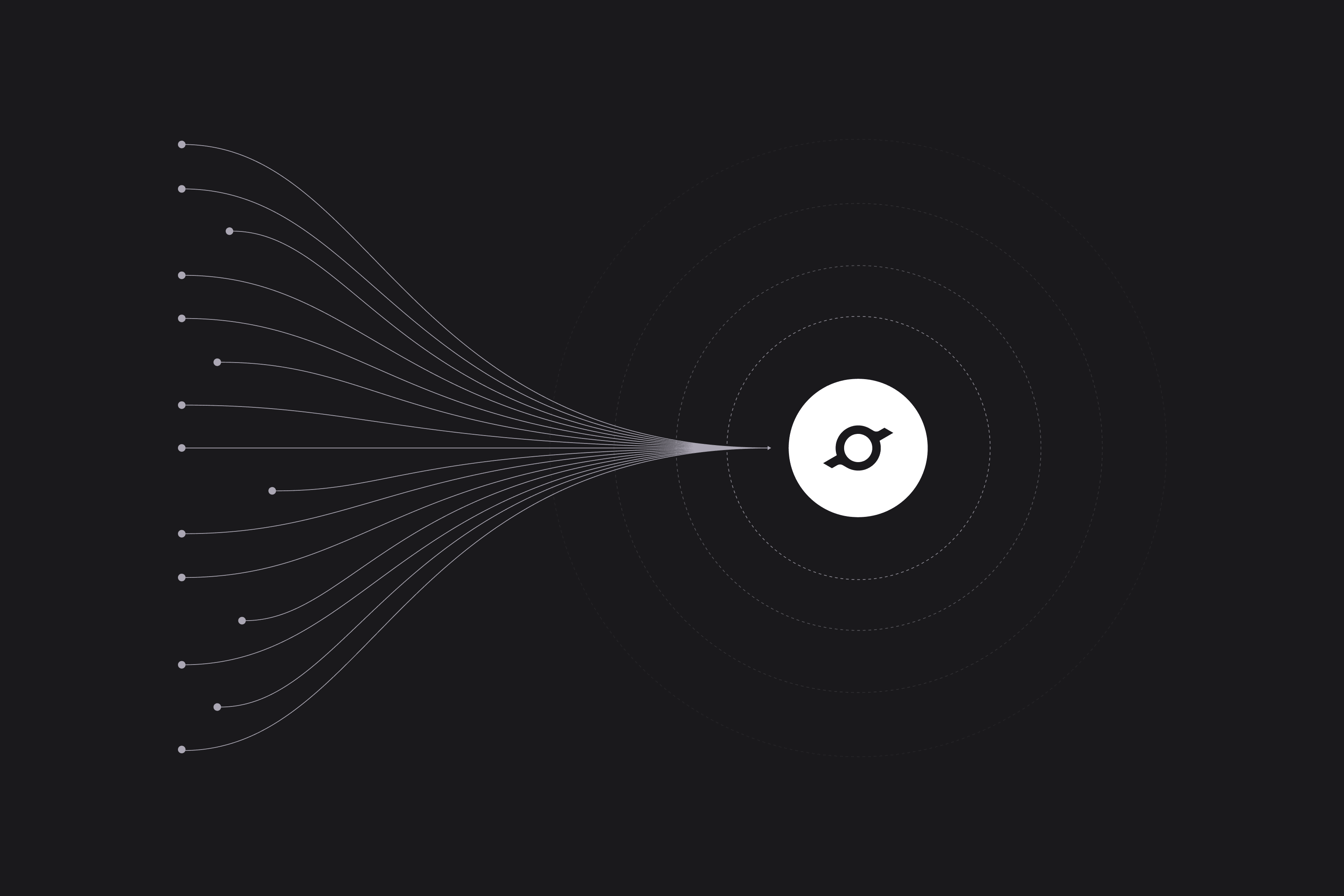
Why does strategy work fail? The 6 biggest problems, the 5 areas of strategic work and how they come together in one continuous system.
Read more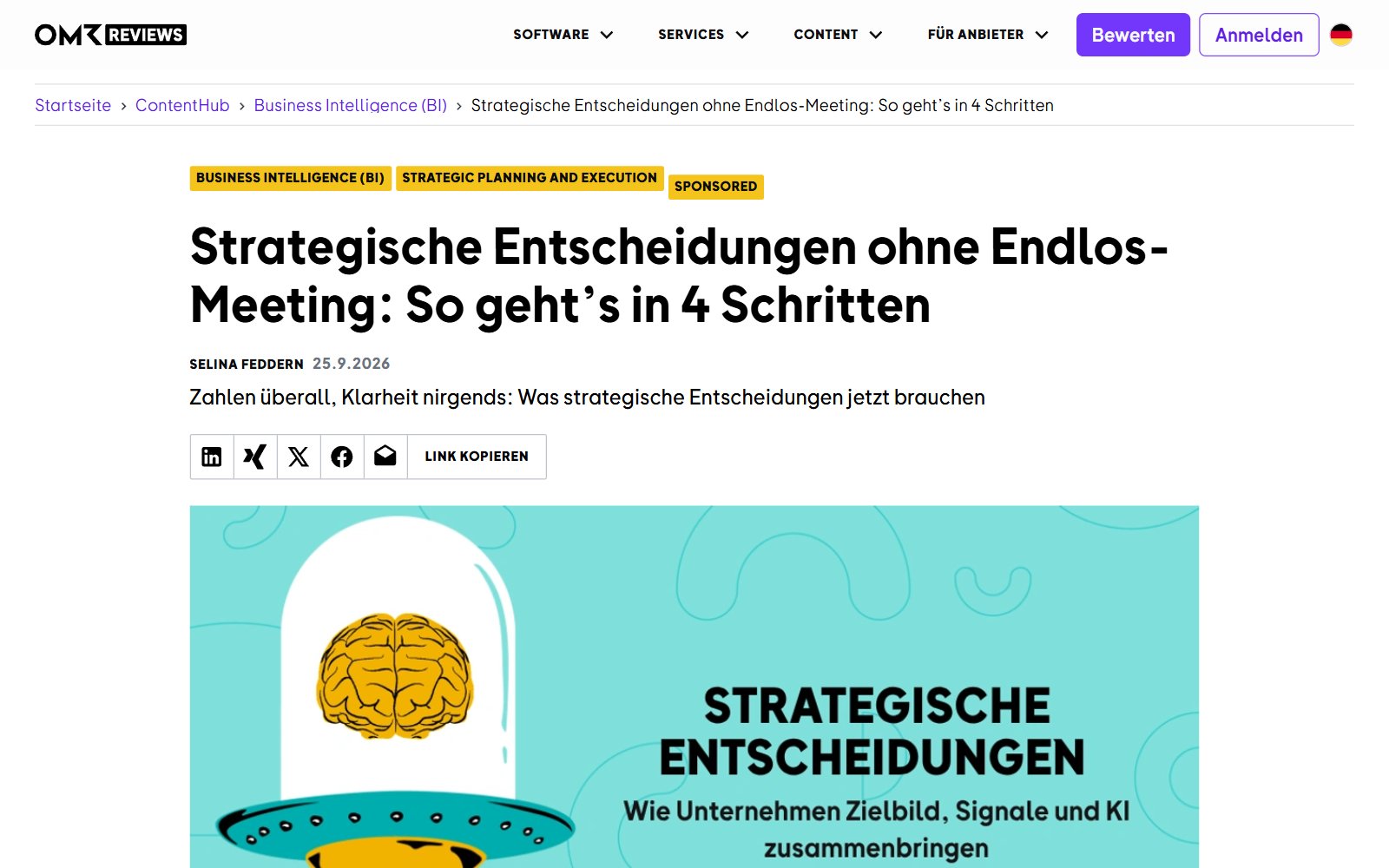
Strategische Entscheidungen ohne Endlos-Meeting: So geht’s in 4 Schritten
Read at OMR Reviews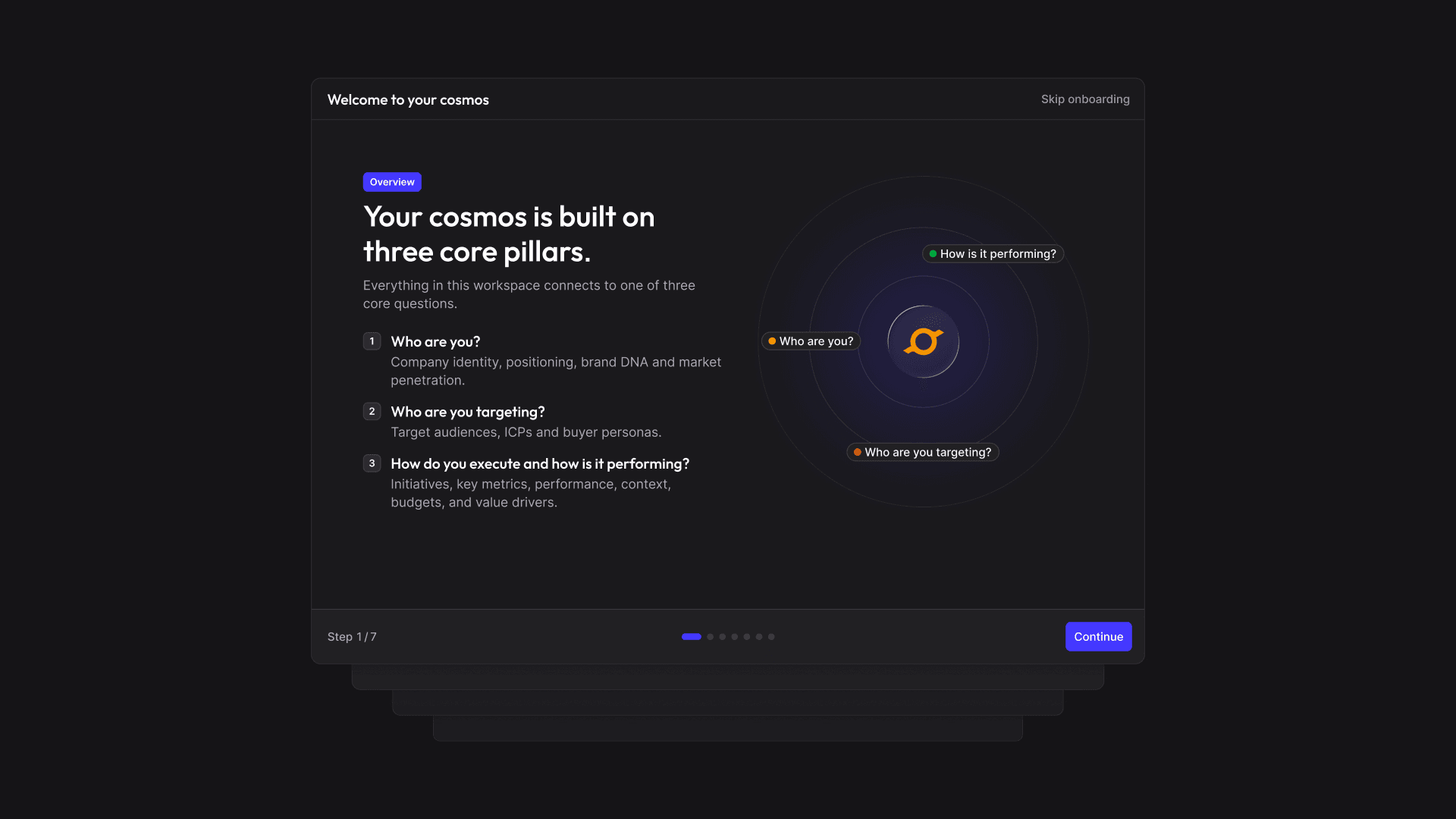
Start more easily. Gain clarity faster. With the new onboarding, you get to know the core pillars, and learn how best to get started.
Read the release notes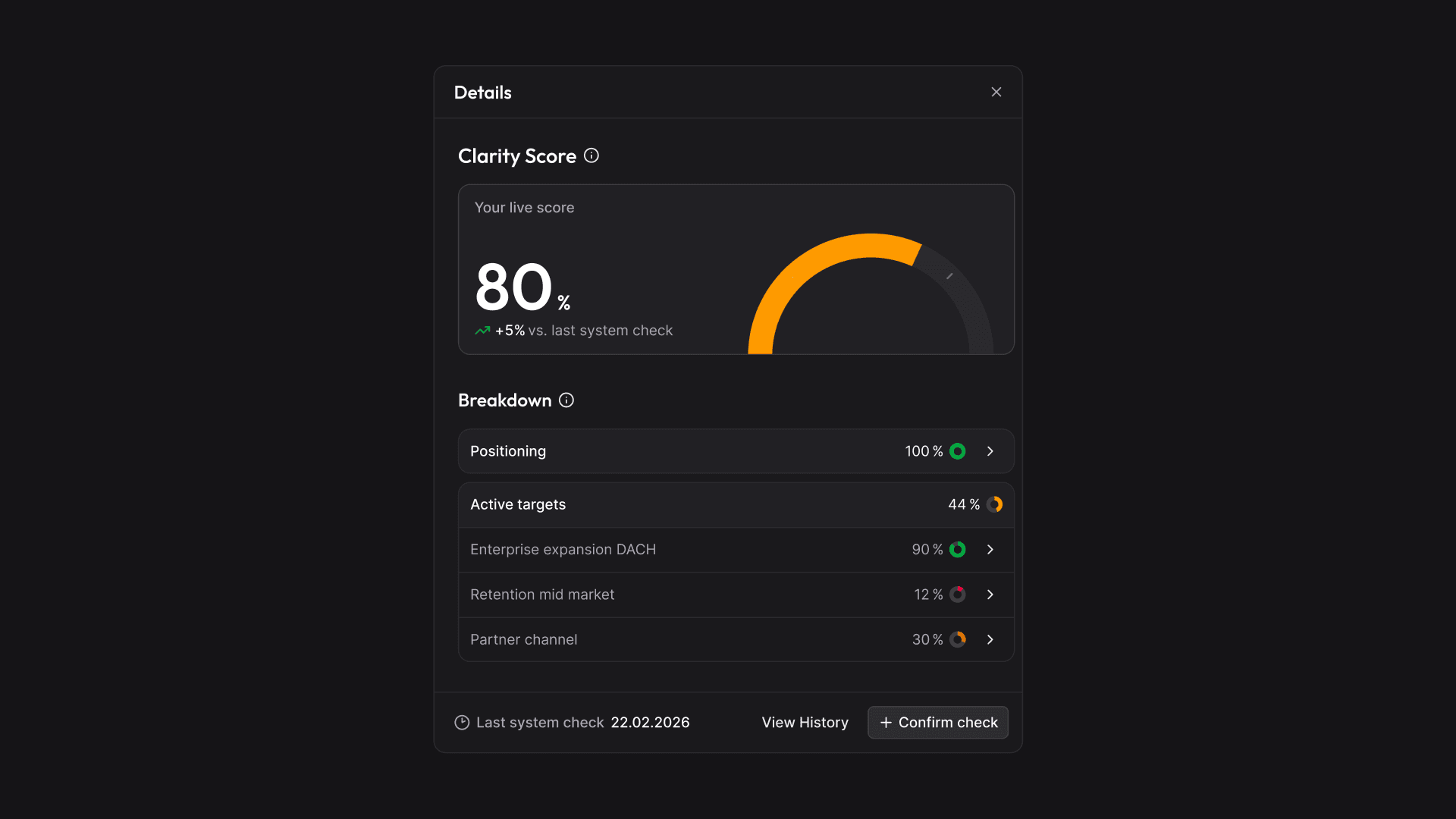
Business-critical decisions are often made on the basis of incomplete information – without anyone even noticing.
Read the release notes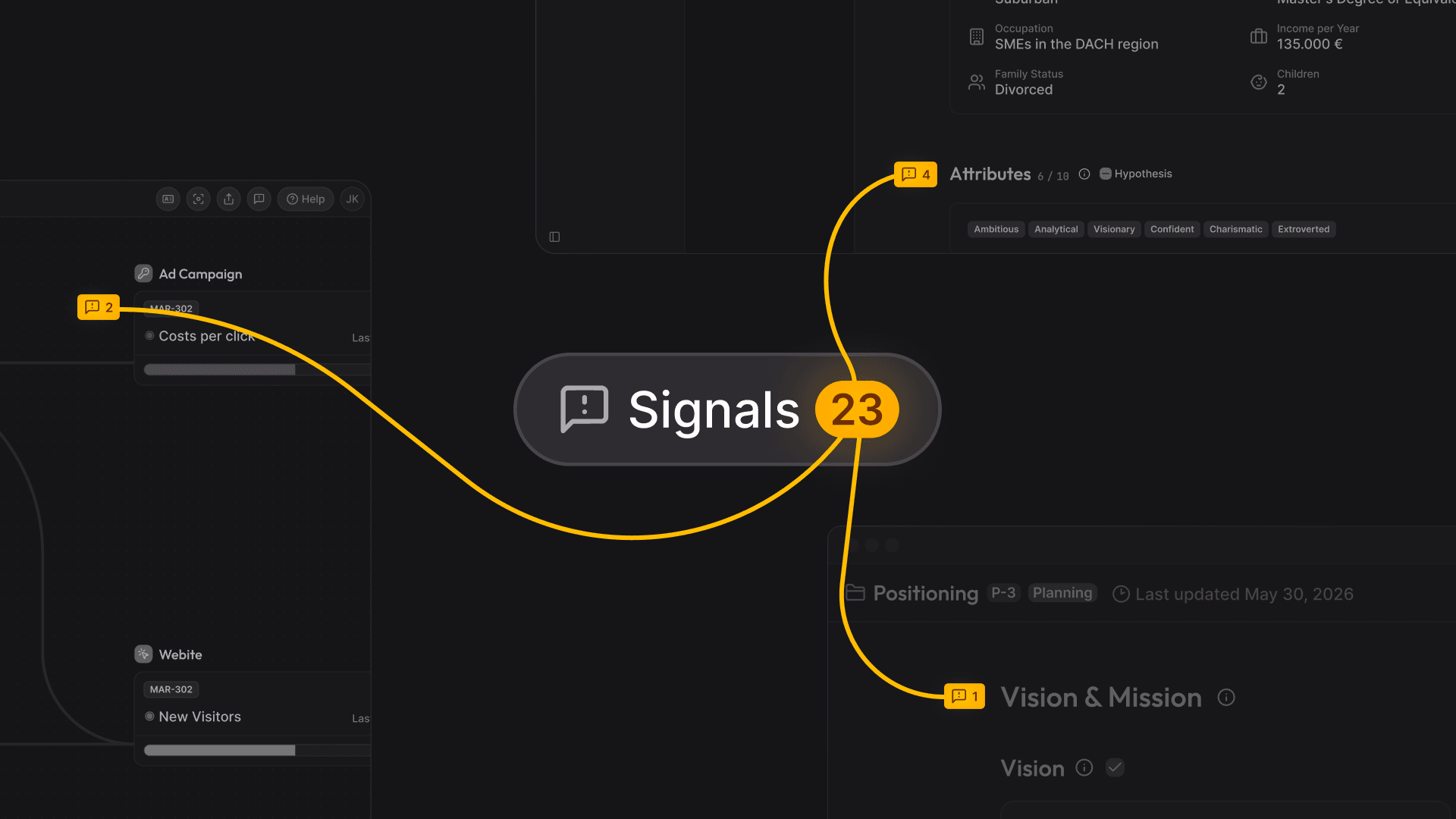
In day-to-day work, important insights easily get lost: a touchpoint falls short of its targets, or an opportunity goes unnoticed.
Read the release notes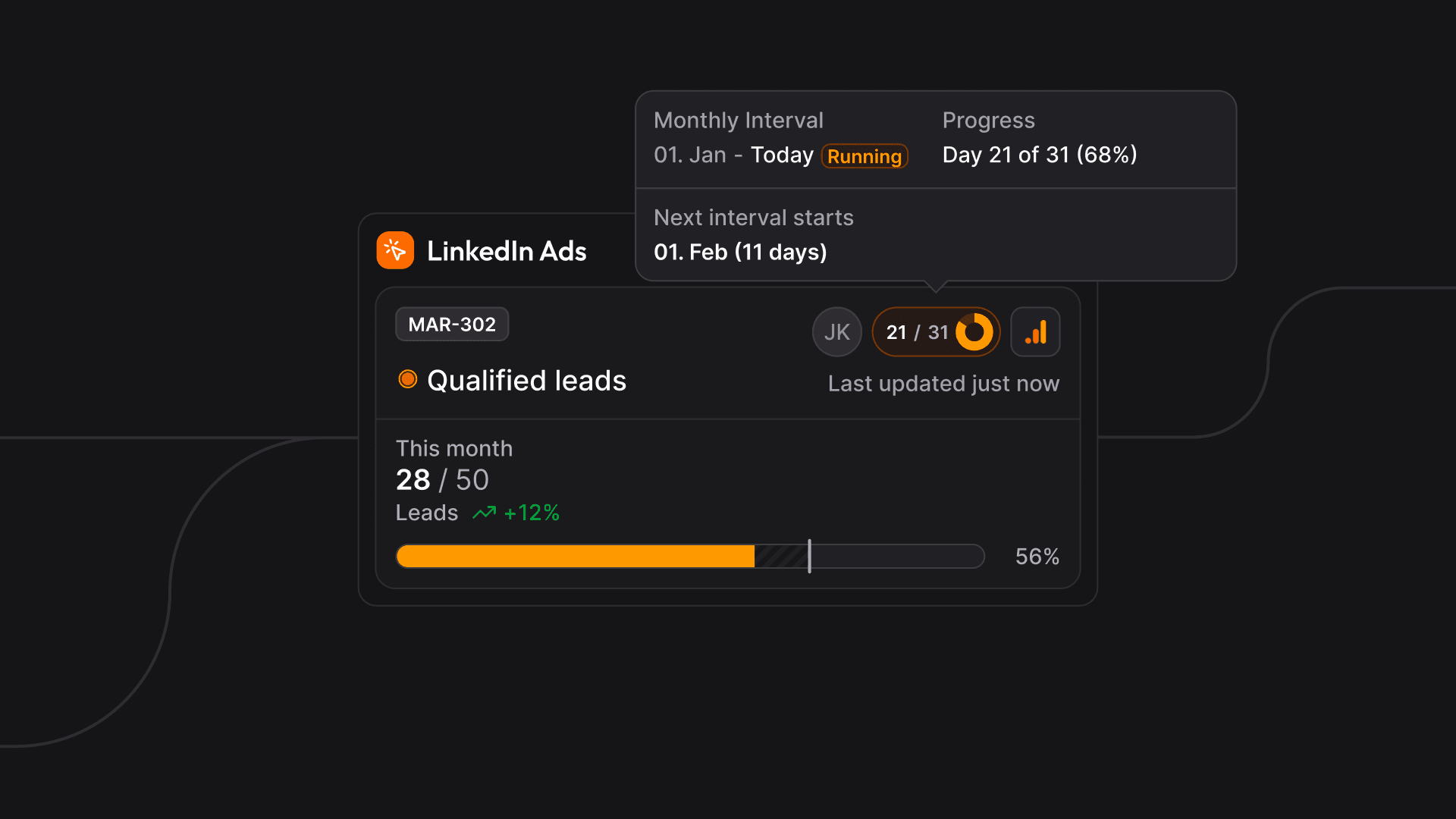
For some KPIs, it's not enough to find out at the end of an interval whether the target was reached.
Read the release notes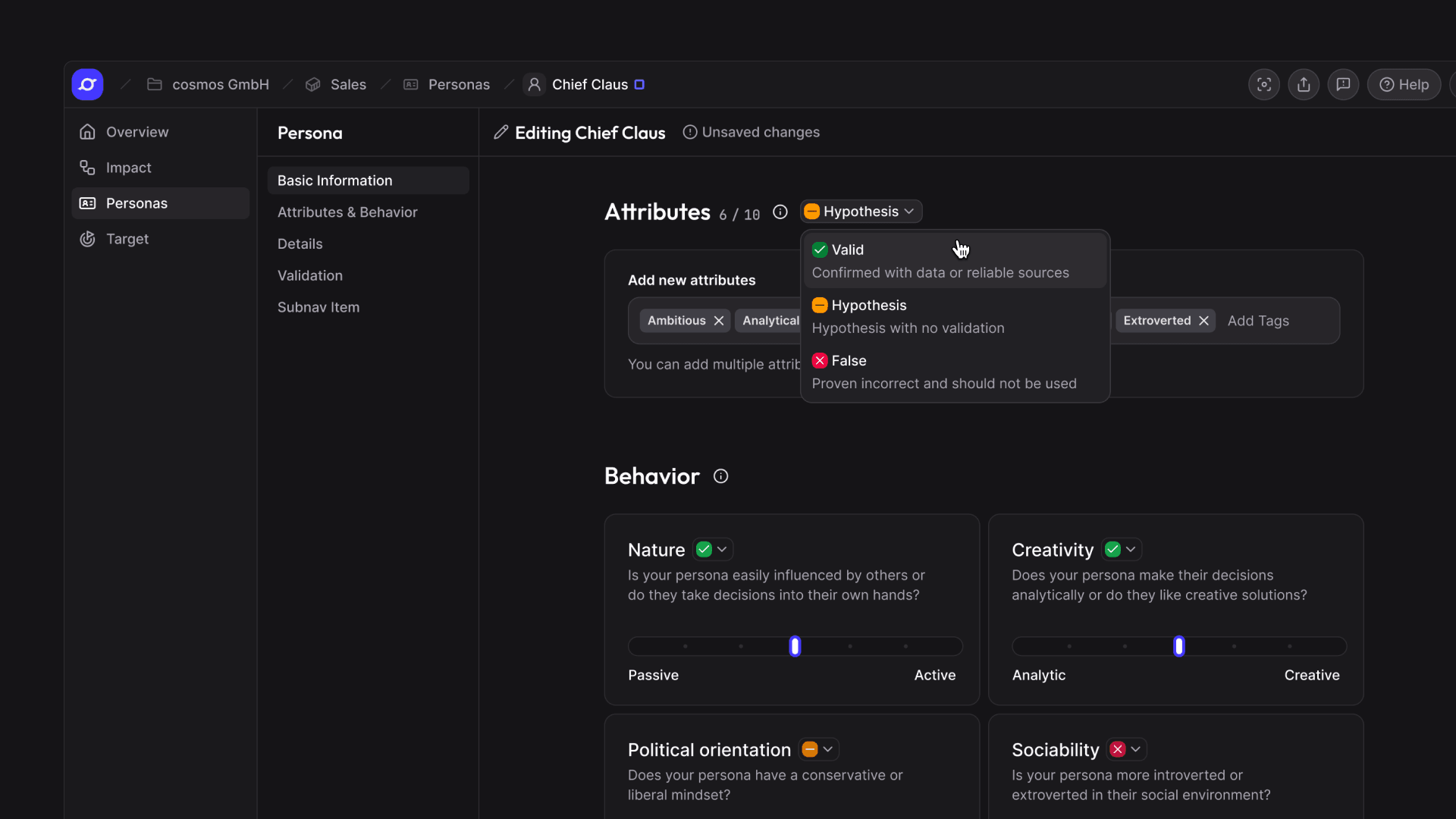
Personas are often built on assumptions. From now on, you can mark every single entry of a persona as Hypothesis, Validated or False.
Read the release notes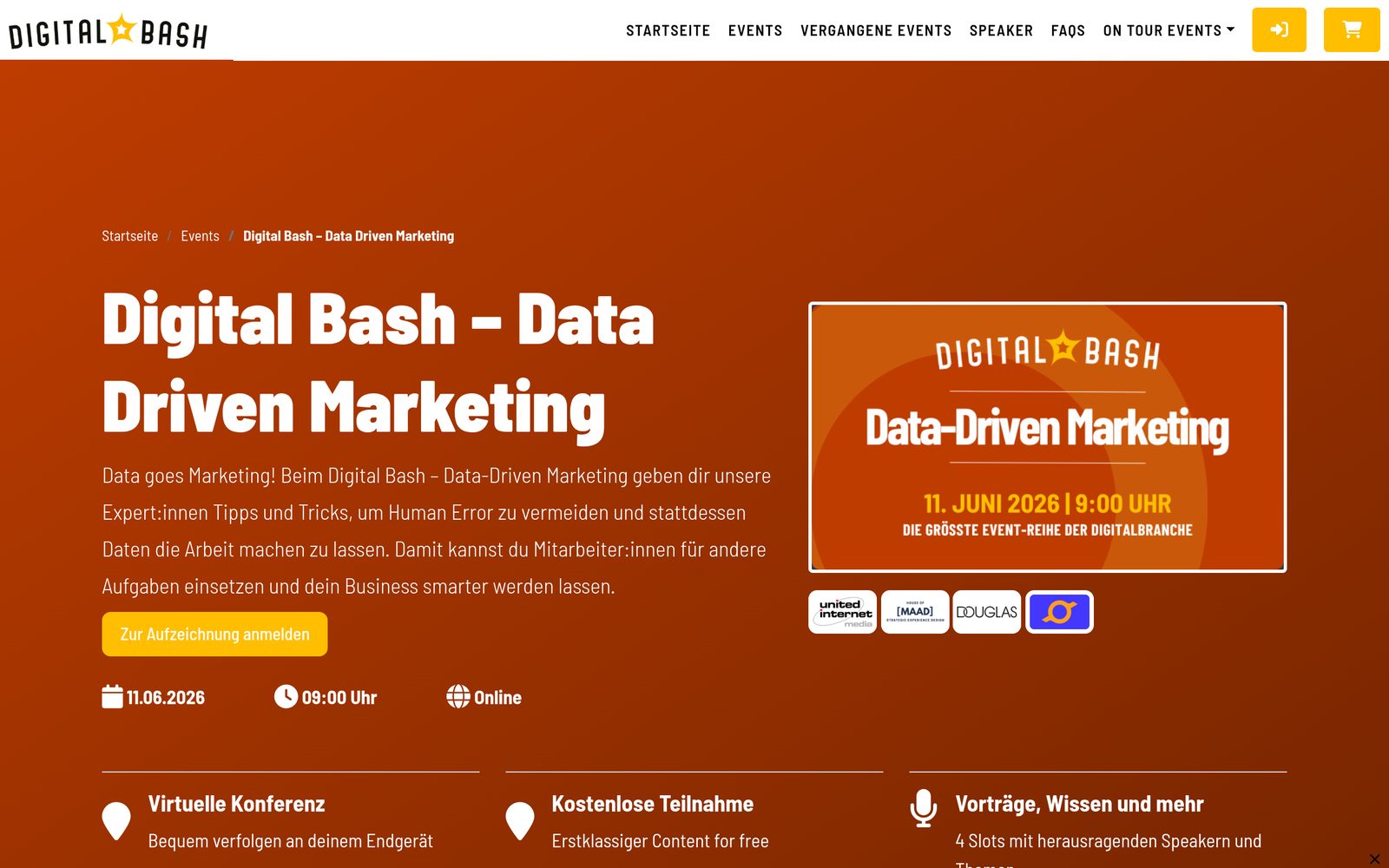
Der AI-Irrtum: Warum KI das Strategieproblem vieler Unternehmen sichtbar macht, aber nicht löst
Read at Digital Bash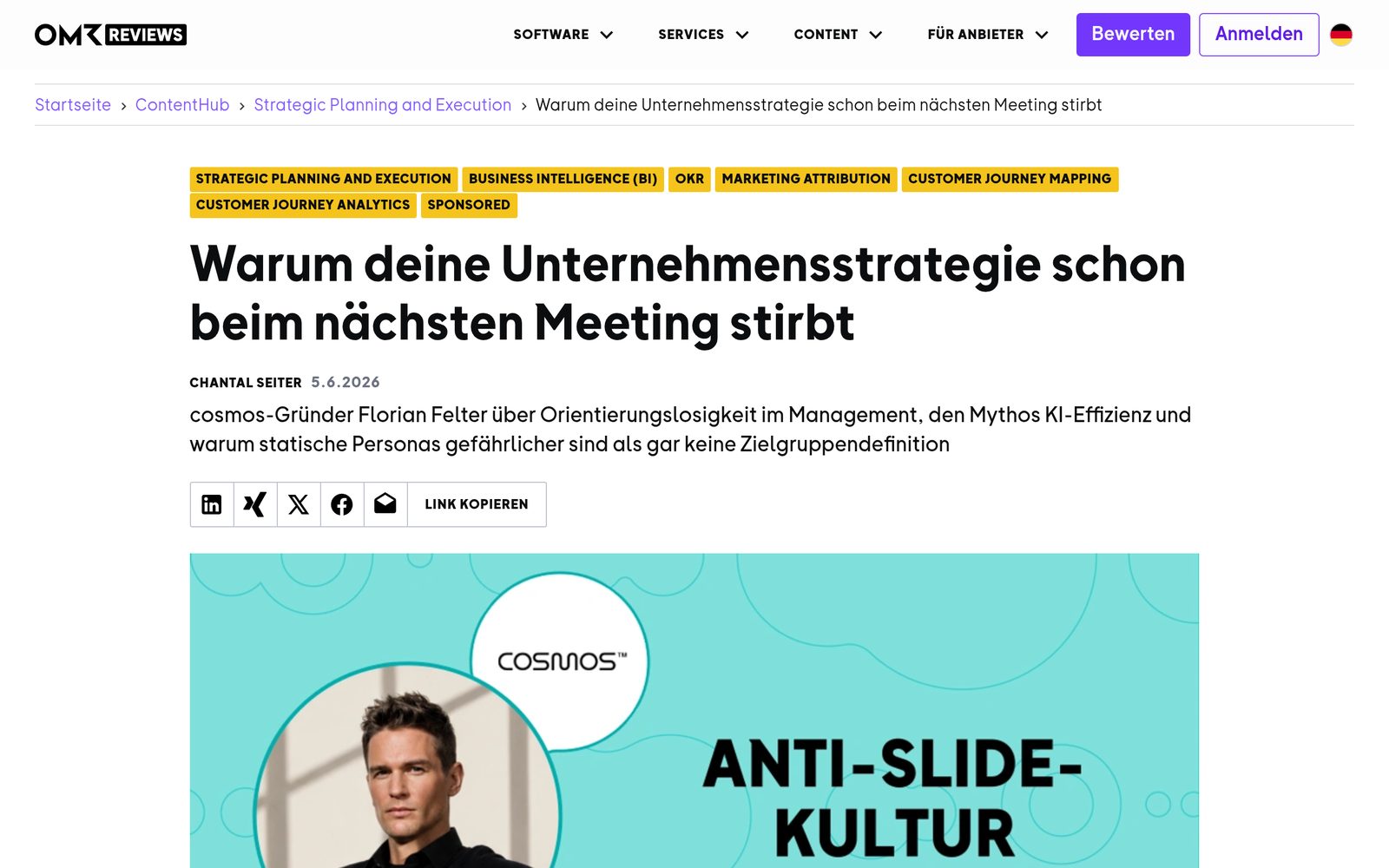
Interview: Warum deine Unternehmensstrategie schon beim nächsten Meeting stirbt
Read at OMR Reviews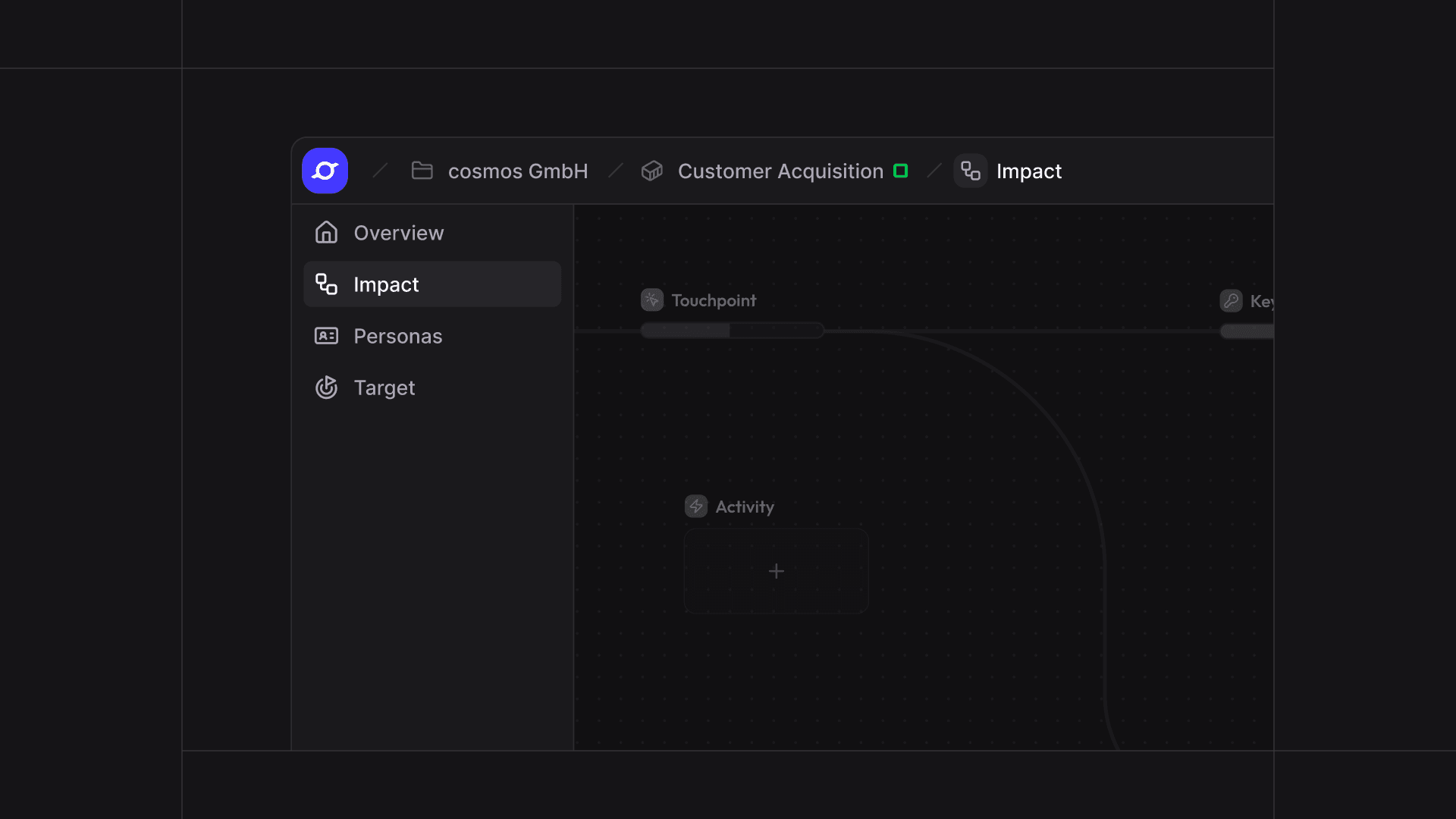
cosmos™ has a completely new navigation. All areas are now accessible from one central sidebar, you always see where you are, and you can move between Spaces, Targets and Positioning without detours.
Read the release notes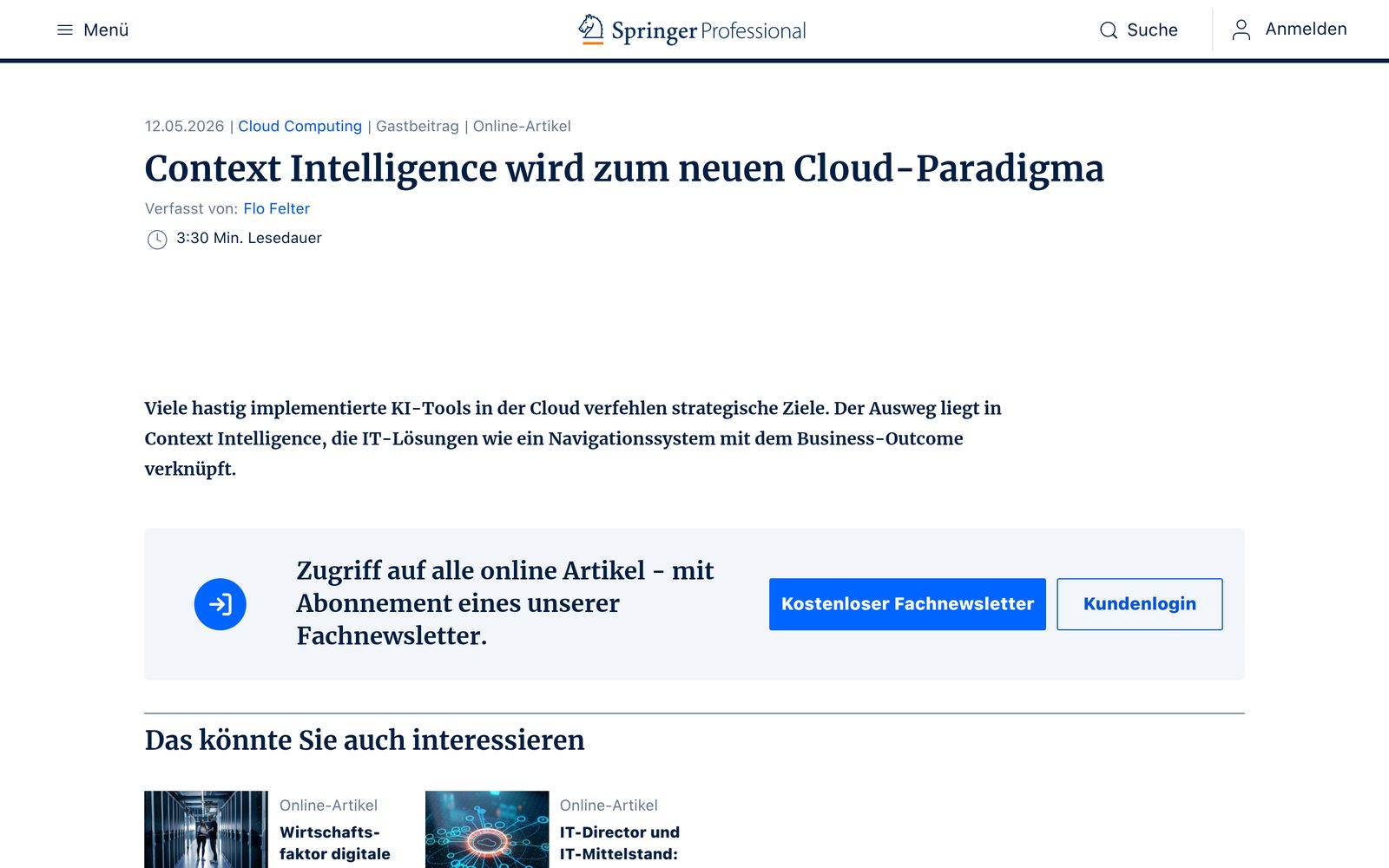
Context Intelligence wird zum neuen Cloud-Paradigma
Read at Springer Professional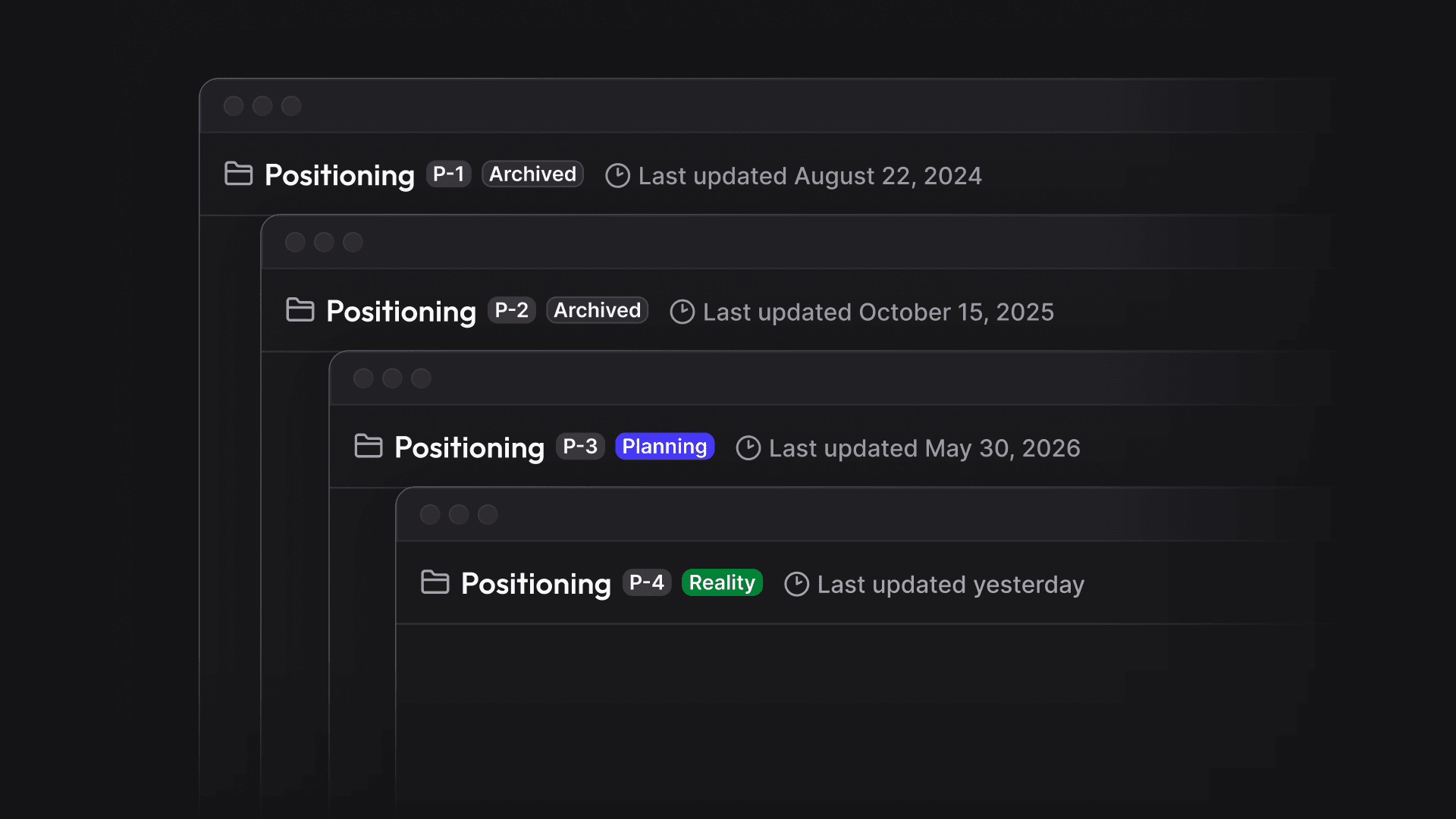
Strategy keeps evolving while day-to-day business runs. With the new statuses Planning and Reality, cosmos™ now clearly separates what is currently in place from what you are working on – in Positioning and on the Dashboard.
Read the release notes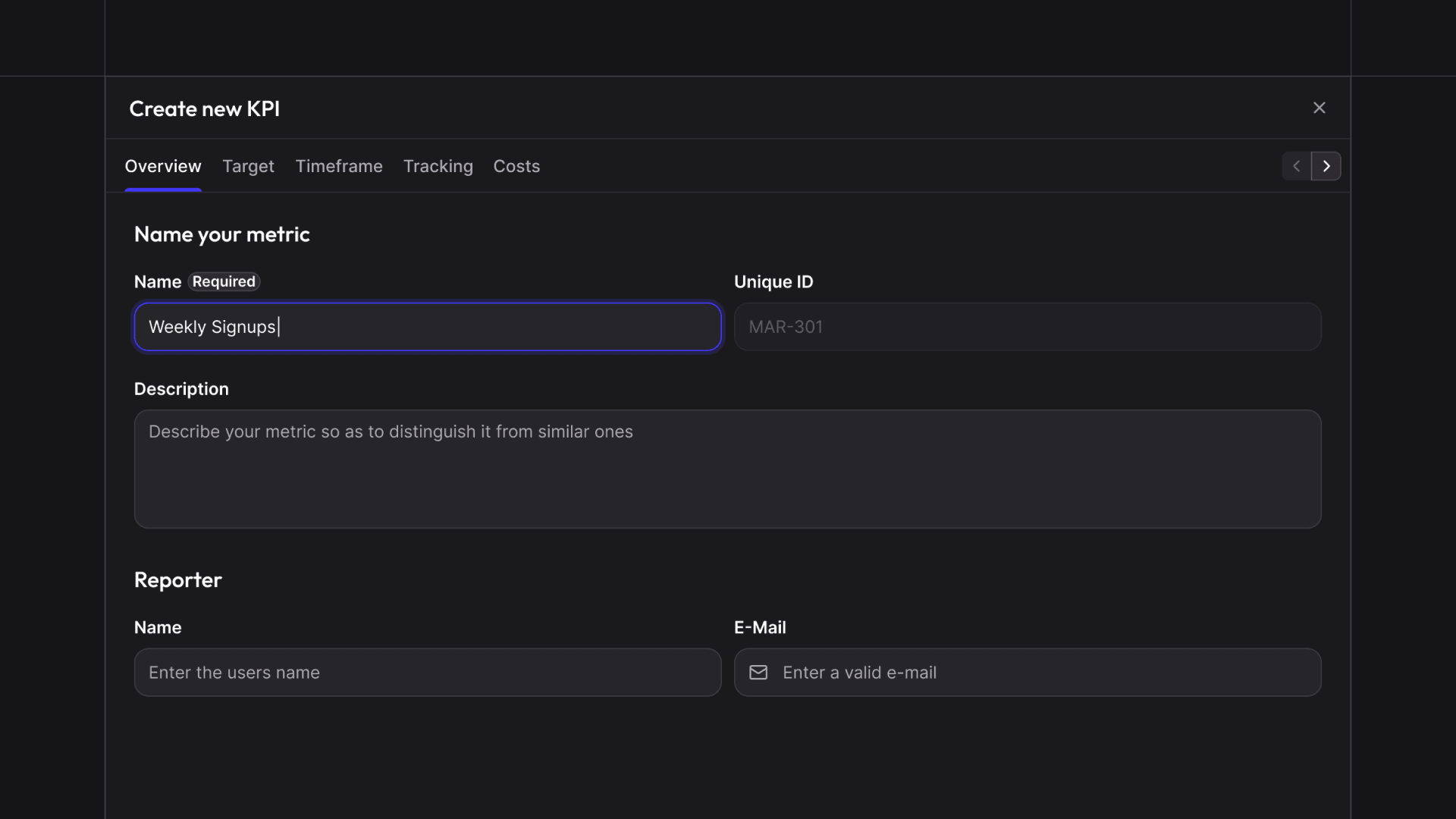
What used to be split across multiple steps is now one continuous flow. A new KPI only needs a name – fill in the rest when you're ready.
Read the release notes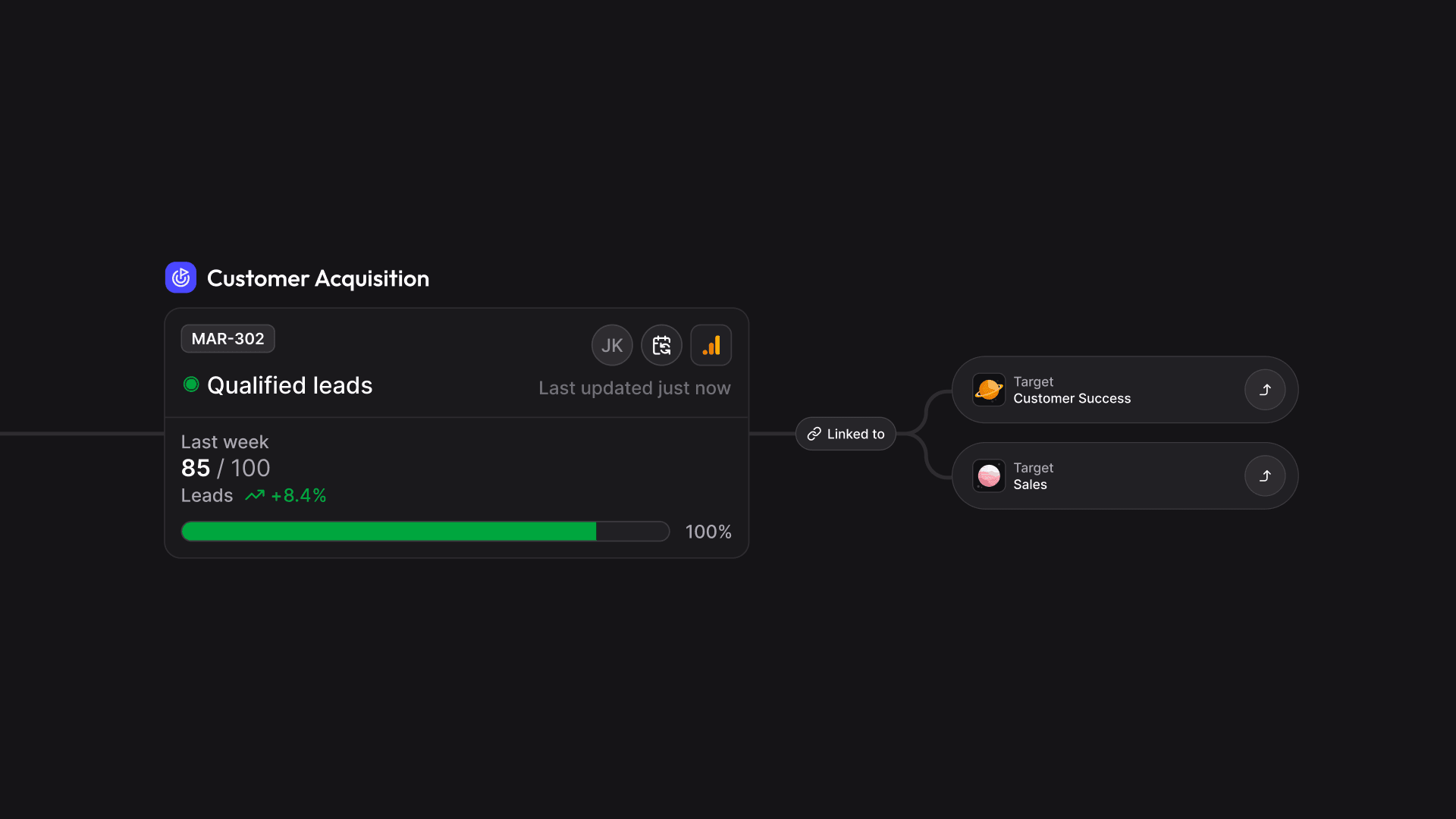
Goals don't exist in isolation. You can now link Targets directly to each other to visualize their strategic relationships and dependencies.
Read the release notes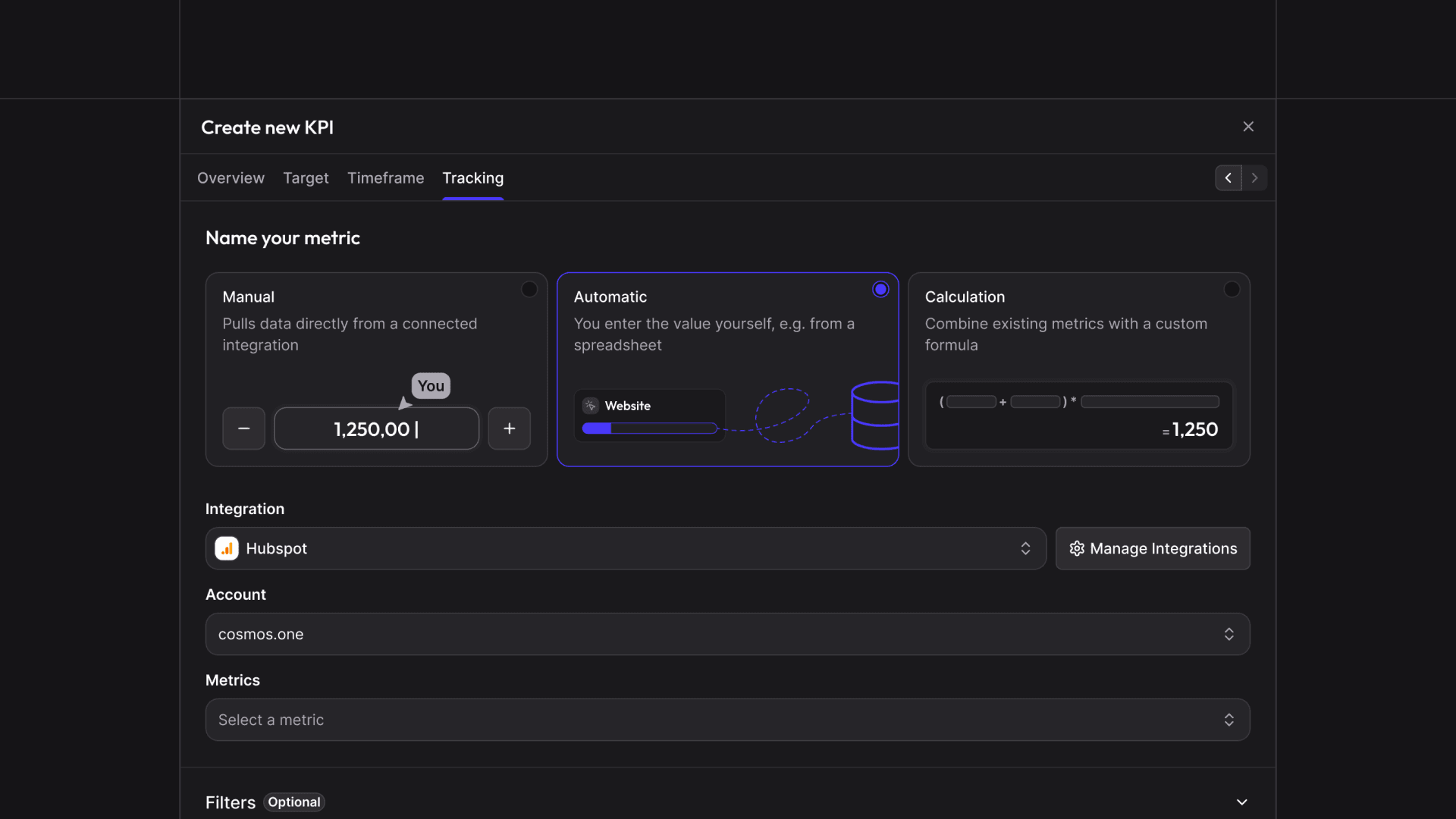
Stay data-driven without manual effort: connect any internal or external data source – from ad managers and analytics tools to CRMs – directly to your KPIs.
Read the release notes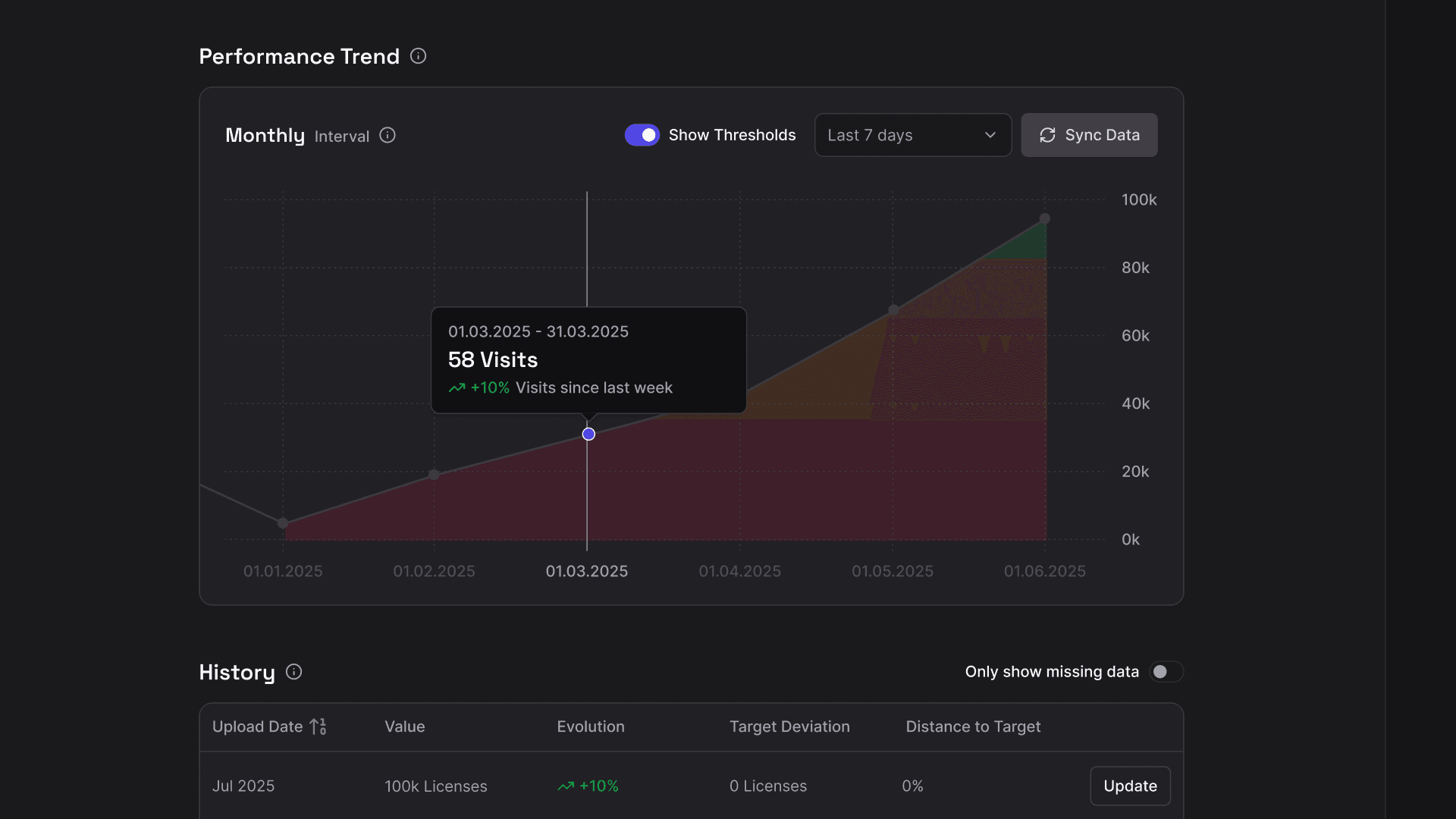
Every KPI now comes with its own historical timeline. All updates are stored automatically and displayed as a dynamic trend curve across selected time periods.
Read the release notes
Marketing-Attribution: Einfach erklärt, strategisch unverzichtbar
Read at OMR Reviews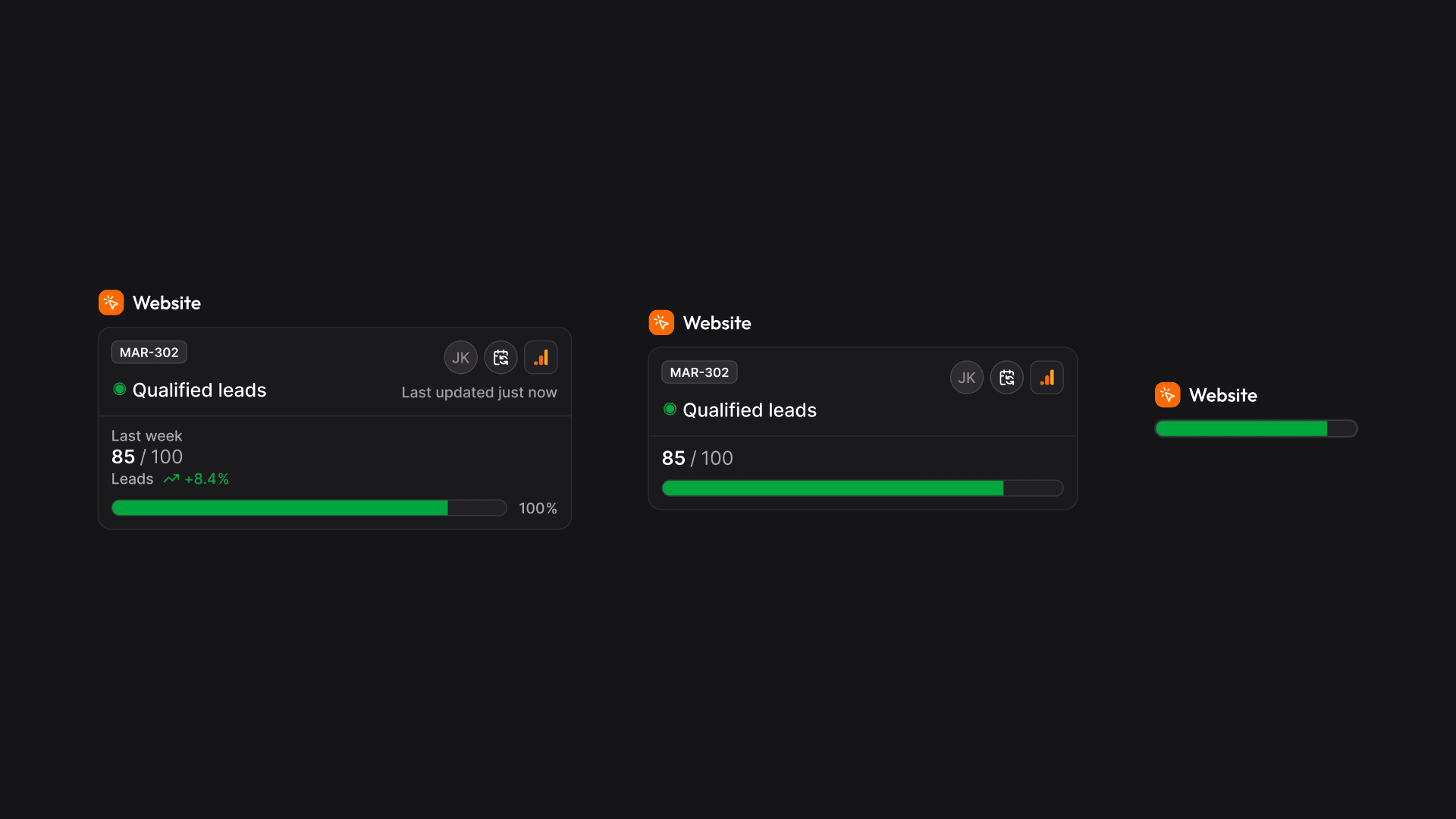
With dynamic levels of detail, you can now zoom through your KPI map. That way, you keep your bearings at a glance.
Read the release notes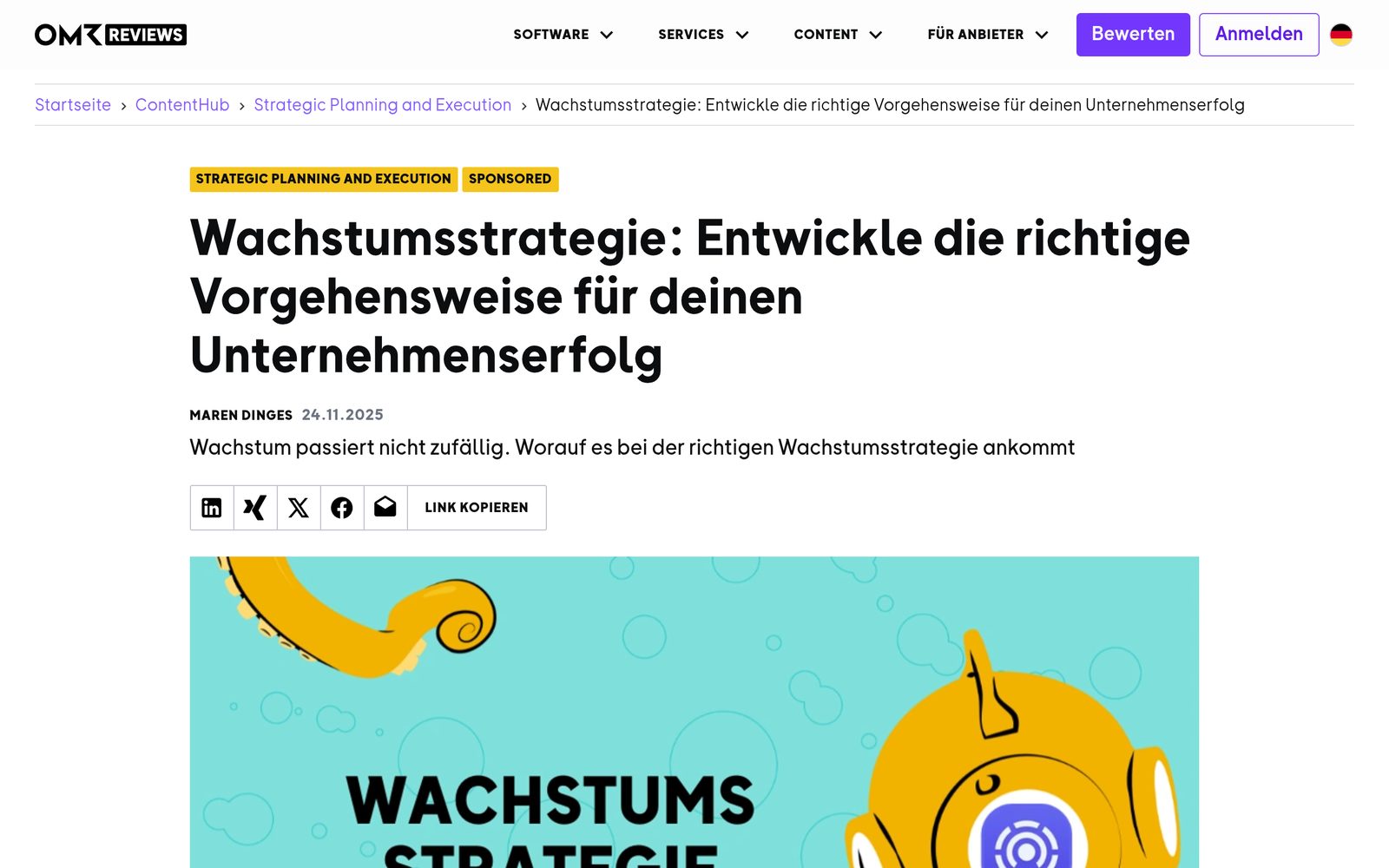
Wachstumsstrategie: Entwickle die richtige Vorgehensweise für deinen Unternehmenserfolg
Read at OMR Reviews